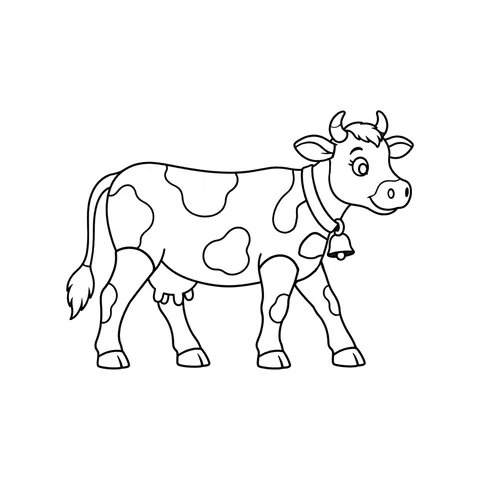
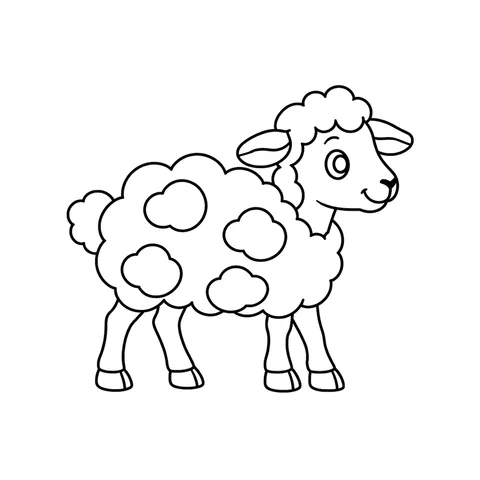
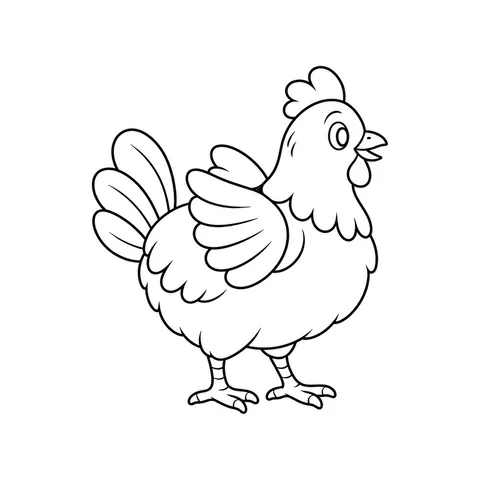
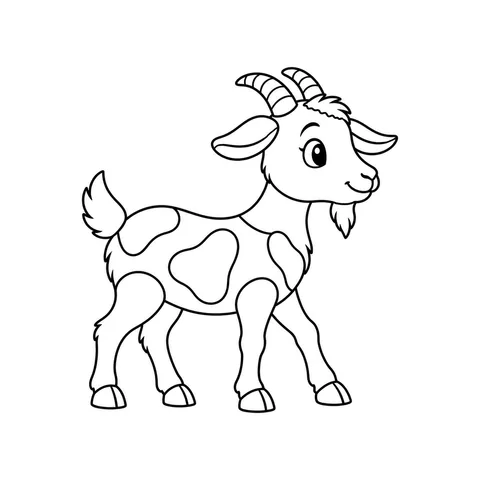
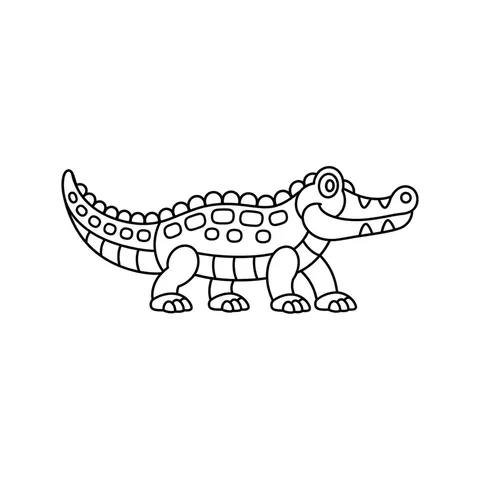
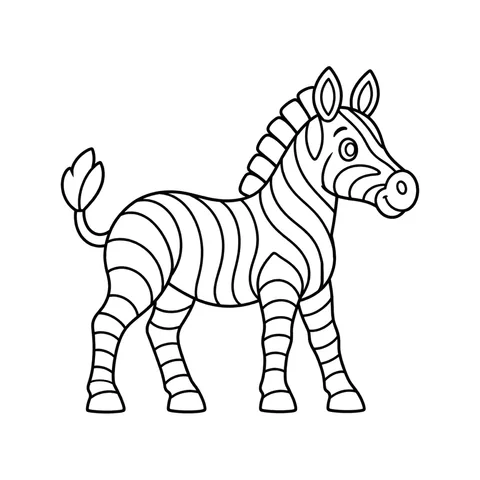
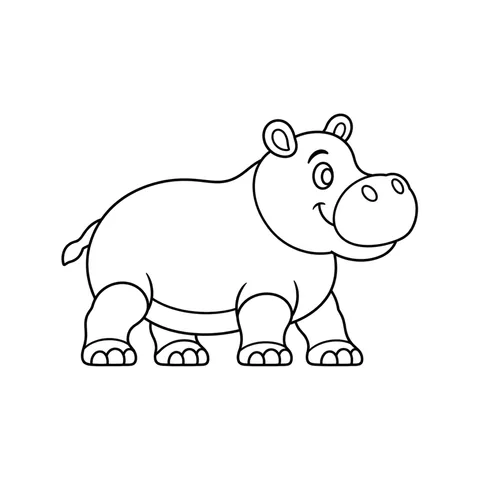
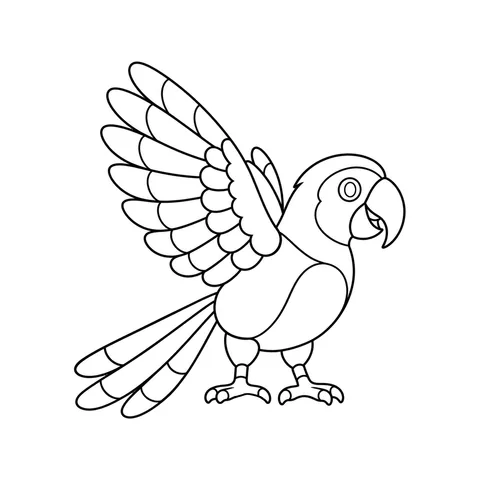
The last lesson before a holiday, a rainy afternoon, the end of a long week: some lessons call for something the whole class can do together. A coloring party is quiet while it lasts and loud at the end, in the best way. Everyone colors a printed page, you take a photo of each one with your phone, and each drawing walks into a world on the projector with its name above it.
It takes 40 minutes, and nobody needs an account. Here is the plan we use.
What you need
- A projector or a big TV with a computer connected to it.
- A printed page for everyone, plus a few spares. Every drawing on the site prints on A4 or Letter.
- Crayons, markers or colored pencils. The usual classroom box is fine.
- One phone. Yours is enough for the whole class. Other phones and tablets can join, but they don’t have to.
The day before
Choose a world. The jungle, Sunny Farm, the Glasshouse and Dragonrest are free. A world that matches what the class is learning makes the party part of the lesson: farm animals for a unit on food, jungle animals for habitats.
Print the pages, and mix them. Each drawing says how much there is to color: bold shapes for a quick finish, detailed or very detailed for students who like to take their time. A mix means everyone finishes at about the same moment.
If you can, open the party screen on the classroom computer once to see that it reaches the projector. It runs in the browser, so there is nothing to install and nothing for your school’s IT to approve.

Run it in 40 minutes
Set up, 5 minutes. Hand out the pages. Start the party screen on the computer connected to the projector, then make it full screen. The world appears with a code in the corner.
Color, 20 minutes. Everyone colors their drawing. Strong colors that fill each shape come out best, and every shape with color in it comes alive in that color.
Photograph and watch, 10 minutes. Scan the code on the big screen with your phone and tap Photograph paper drawings. Take a photo of each sheet from above, with all four corner squares in it. Each drawing leaves the paper and walks into the world, and the screen says its name. Walk around the room and photograph the sheets on the desks, or call students up one at a time: both work, and the second gives everyone their moment.
Share, 5 minutes. Look at all the drawings together and let everyone find their own. When you end the party, anyone can scan the code on the screen to keep their drawing.
Tips for the day
- Dim the lights. A darker room makes the projector’s picture brighter, and the colors on the screen look closer to the paper.
- Lay each sheet flat in good light. Most failed photos are a corner square cut off or a shadow across the page. If one doesn’t read, the phone says why, and a second photo usually works.
- Keep names from our lists. With Names from our lists only, everyone picks a name for their drawing from our lists and nobody types their own. You can change it during the party.
- Use the party controls. You can pause new arrivals while you explain something, take any drawing off the screen, and end the party when the bell is close.
- Give early finishers a second page. They can color it on paper, or join with a tablet and color on the screen.
Privacy, for schools too
- No student accounts. Nobody signs up or signs in.
- No personal data. Nobody is asked for a name, an email address or anything else about themselves.
- Photos stay on the phone. Each sheet is read on the phone itself, and only the drawing’s colors go to the big screen.
- The party ends itself. It closes by itself a day after it goes quiet.
Make it part of the lesson
The party works on its own, but it can carry a lesson too. Ask students to name their animal and say where it lives before it arrives. In a language class, name the colors out loud as each drawing walks in. With younger students, count the drawings on the screen together, or find every animal with stripes.
Halloween
For Halloween there is a ready-made Halloween class party kit: six pages from Pumpkin Hollow, a printable guide with the same 40 minute plan, and a button that opens the party screen in Pumpkin Hollow.

Planning a party at home instead? A birthday party with one TV has a plan for that.