A coloring party on the big screen
Project a world. Color your drawing on your phone, on your tablet or on paper and then see it come alive on the big projector or TV screen.
Your parties
Each one keeps its code and every drawing until you delete it, or for a year after it was last used.
Start a party screen
Choose the world everyone colors in. Open this on the computer that is connected to the big screen.
Join a party
Type the code shown on the big screen.
How it works
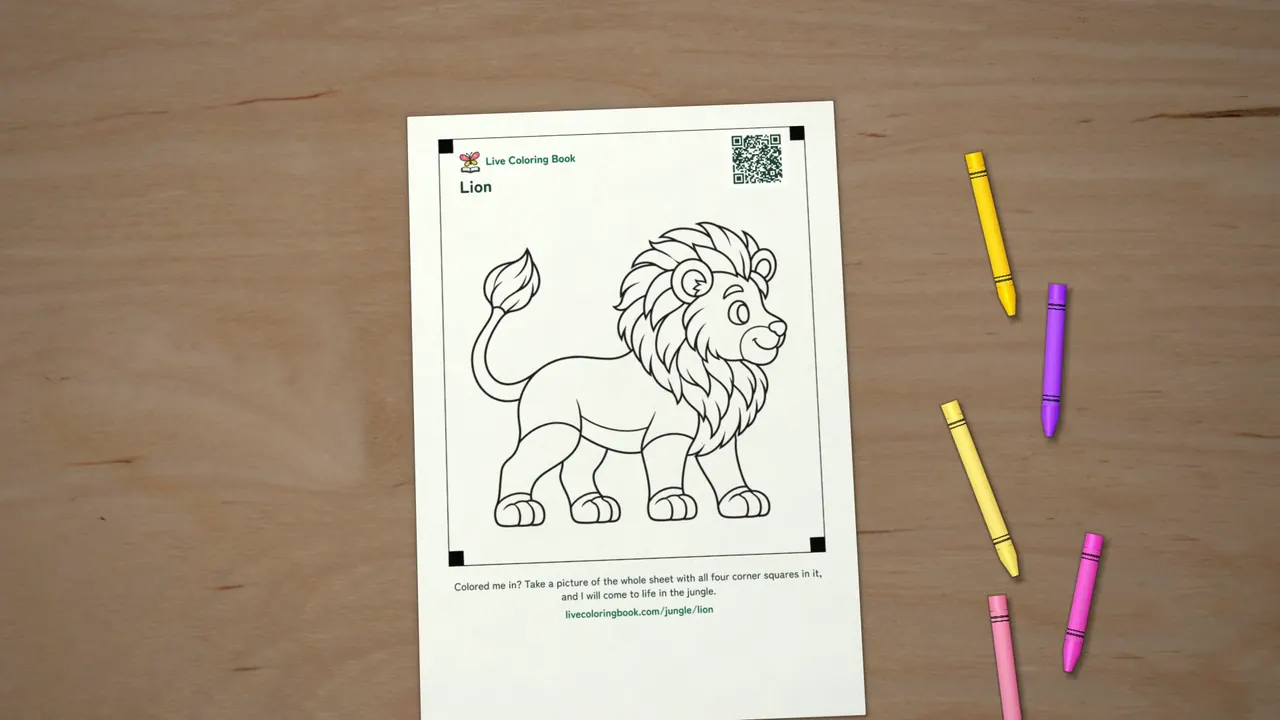
A printed lion is colored in with crayons. A phone takes one photo of the whole page and reads its colors. The lion flies off the phone onto a party’s big screen and walks into the jungle, and ten more drawings arrive after it, each with its name.
- Start the screen on the computer connected to the projector or TV, then make it full screen.
- Everyone either scans a code on the screen with their phone or tablet, or types it in on this page. No account needed.
- Go old-school and print the drawings. Color them in by hand, then take a photograph of each sheet with a phone that joined.
- Every drawing is presented in the world on the big screen with its name. Everyone can keep theirs afterwards.
Made for a class or a party
- No accounts and no downloads. Just open up a browser.
- Names are chosen from lists of inoffensive words, or typed and checked before they can be used on screen.
- The host can pause new arrivals, take any drawing off the screen and end the party.
- A party closes on its own a day after things go quiet.
Drawings to print
Each drawing is one A4 or Letter sheet. The code on it tells the phone which drawing it is.
Hosting a party on a big screen? Christmas class party kit
Hosting a party on a big screen? Halloween class party kit
Planning a birthday? Birthday coloring party